> ## Documentation Index
> Fetch the complete documentation index at: https://help.tooli.be/llms.txt
> Use this file to discover all available pages before exploring further.
# Your data
> View and remove all your shared links, or clear all your chats in one go.
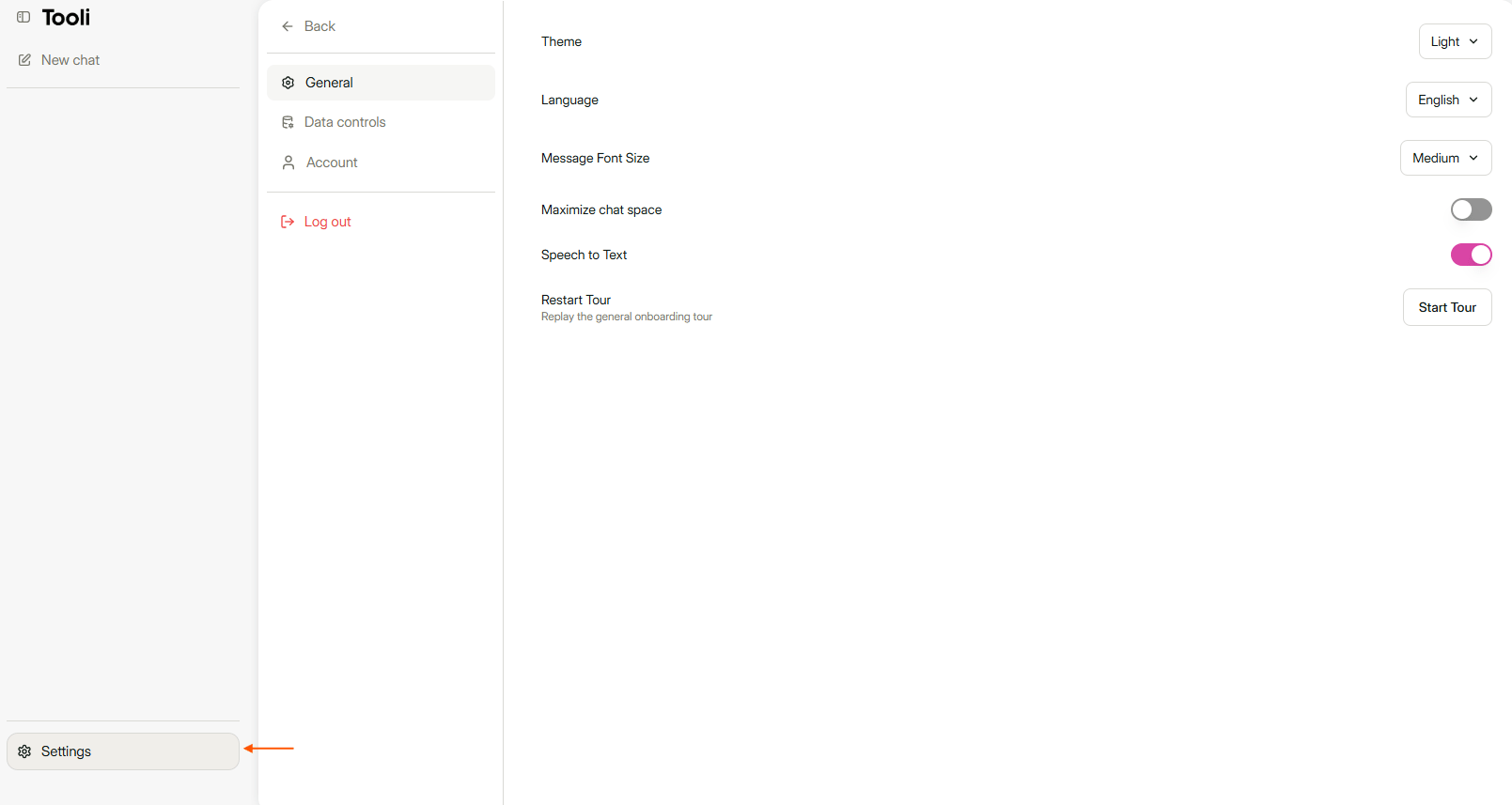
Click **Settings** at the bottom left and choose the **Data controls** tab.
 ## Your shared links
Under **Shared links** you see an overview of every chat you have ever shared, with the date. That way you see at a glance what is still open. Find a chat with the search field at the top, or sort by name or date.
Each link has two actions:
* **The speech bubble** opens the shared chat.
* **The bin** removes the link. Anyone who has the link can then no longer view the chat.
You remove links one by one.
Read more about sharing in [Share a chat](/en/using/share-a-conversation).
## Clear all chats
With **Clear all chats** you delete all your chats in one go.
You can't undo this. Want to delete only one chat? Do that via the sidebar, see [Find earlier chats](/en/using/find-previous-conversations).
This documentation is built and hosted on [Mintlify](https://mintlify.com), a developer documentation platform.
## Your shared links
Under **Shared links** you see an overview of every chat you have ever shared, with the date. That way you see at a glance what is still open. Find a chat with the search field at the top, or sort by name or date.
Each link has two actions:
* **The speech bubble** opens the shared chat.
* **The bin** removes the link. Anyone who has the link can then no longer view the chat.
You remove links one by one.
Read more about sharing in [Share a chat](/en/using/share-a-conversation).
## Clear all chats
With **Clear all chats** you delete all your chats in one go.
You can't undo this. Want to delete only one chat? Do that via the sidebar, see [Find earlier chats](/en/using/find-previous-conversations).
This documentation is built and hosted on [Mintlify](https://mintlify.com), a developer documentation platform.