

What you need
1) Membership
An active membership with at least one of these organisations:





2) Email address
The email address of your membership with one of these organisations.
1
Go to Tooli
2
Create an account
You can create an account in two ways: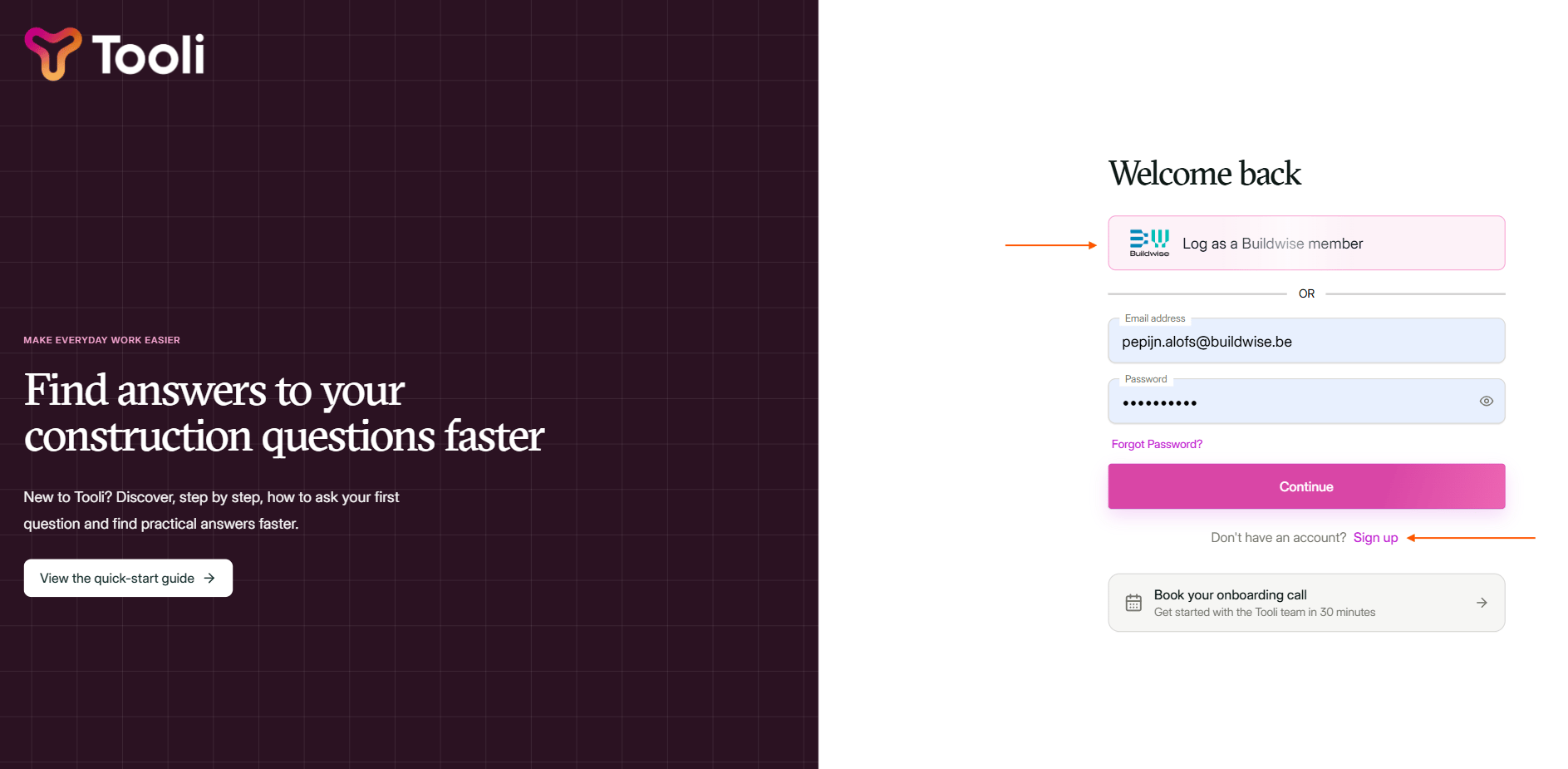
Log in via Buildwise, or register with email and password via 'Sign up'.
1) Log in with your Buildwise account
1) Log in with your Buildwise account
Click Log in as a Buildwise member.
You're redirected to Buildwise. Log in there: your account is linked to Tooli automatically.
2) Create an account with email and password
2) Create an account with email and password
Fill in your details: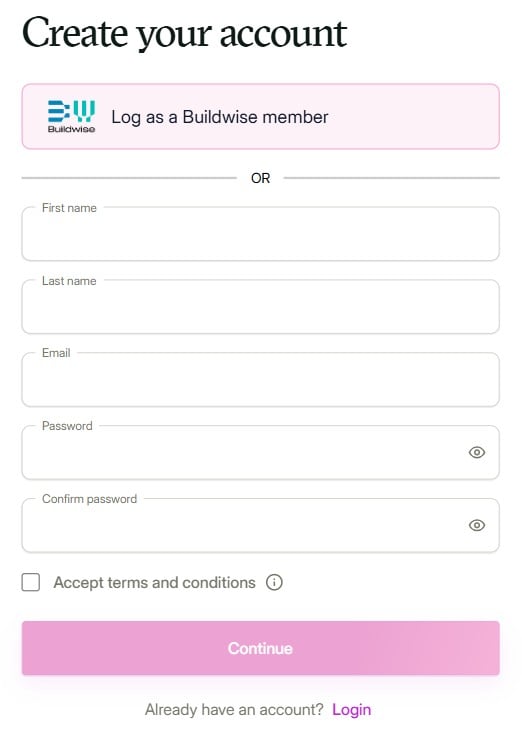
- Full name
- Email address
- Password (at least 8 characters)
Fill in your details and click 'Continue' to create your account.
3
Start with Tooli
Done! A short tour shows you the main features and assistants in Tooli.Want to know straight away how to get the most out of Tooli? Read The basics.
Something not working, or do you have a question or a comment? Email us at support@tooli.be.