Documentation IndexFetch the complete documentation index at: /llms.txtUse this file to discover all available pages before exploring further.
Fetch the complete documentation index at: /llms.txt
Use this file to discover all available pages before exploring further.
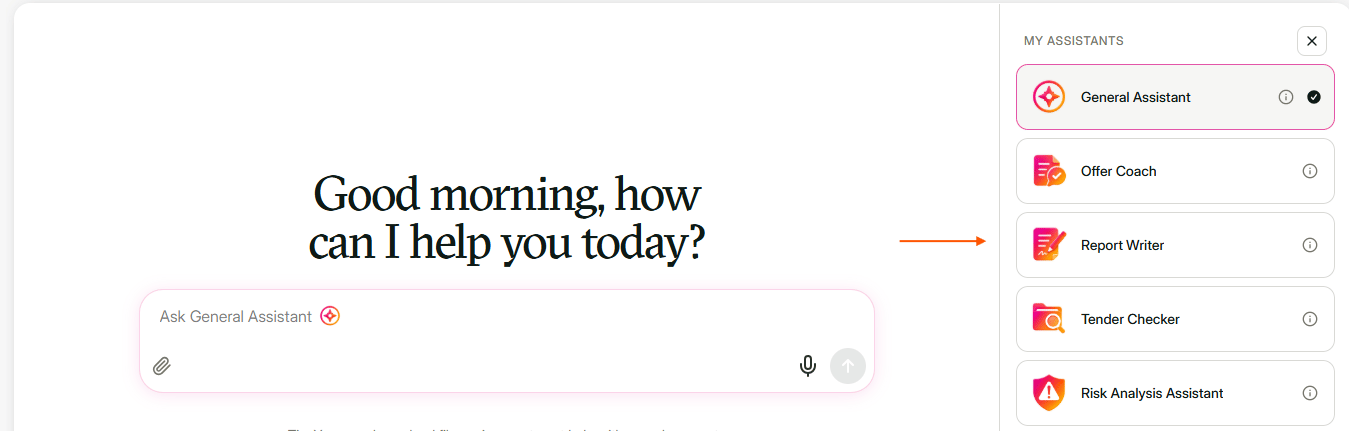
Start a new chat with the same assistant, or choose another assistant to continue working with.
Click New chat
The New chat button is at the top left, under the Tooli logo.
Ask your question
The My assistants panel is on the right.
Contact support