

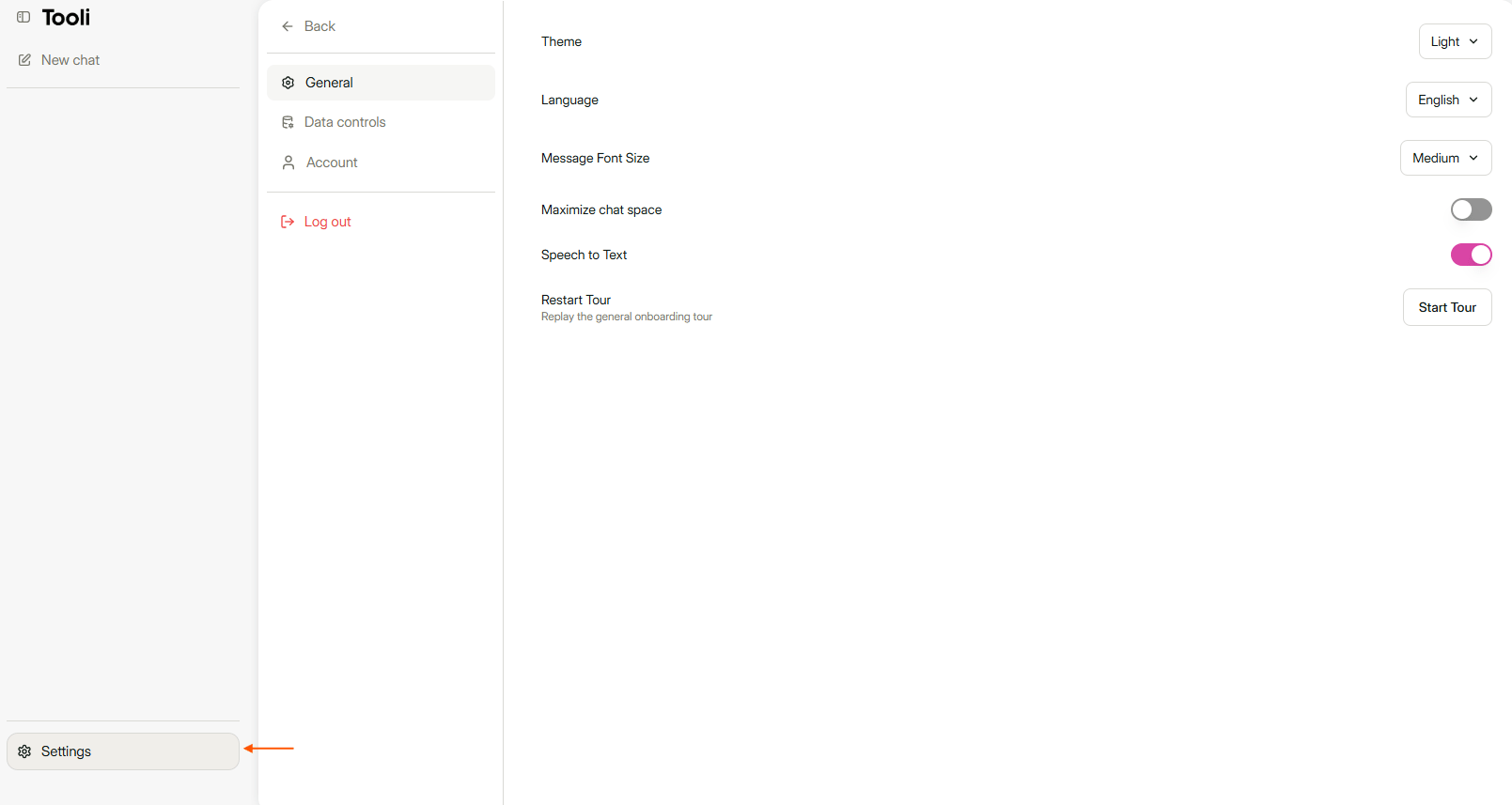
The Account tab is in Settings, at the bottom left.
Change your password
Under Account & security, click Change Password. Enter your current password and choose a new password of at least 8 characters.Do you log in via your organisation, for example with the Buildwise button? Then you change your password with that organisation, not in Tooli.
Delete your account
1
Click Delete account
You’ll find this option at the bottom of the Account tab.
2
Confirm with your email address
Enter the email address of your Tooli account.
3
Click Permanently delete my account
Your account is deleted straight away.