

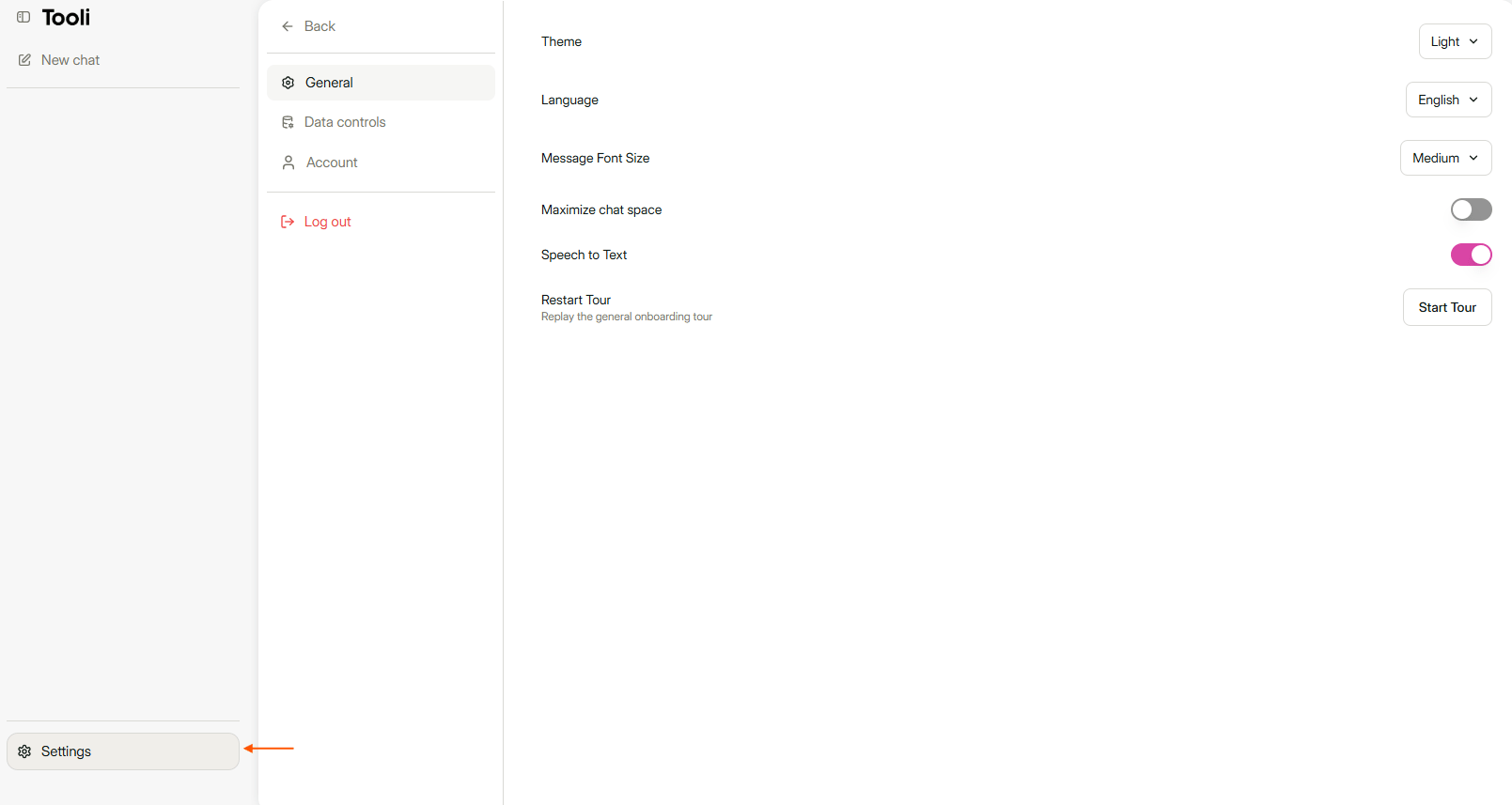
The Data controls tab is in Settings, at the bottom left.
Your shared links
Under Shared links you see an overview of every chat you have ever shared, with the date. That way you see at a glance what is still open. Find a chat with the search field at the top, or sort by name or date. Each link has two actions:- The speech bubble opens the shared chat.
- The bin removes the link. Anyone who has the link can then no longer view the chat.