

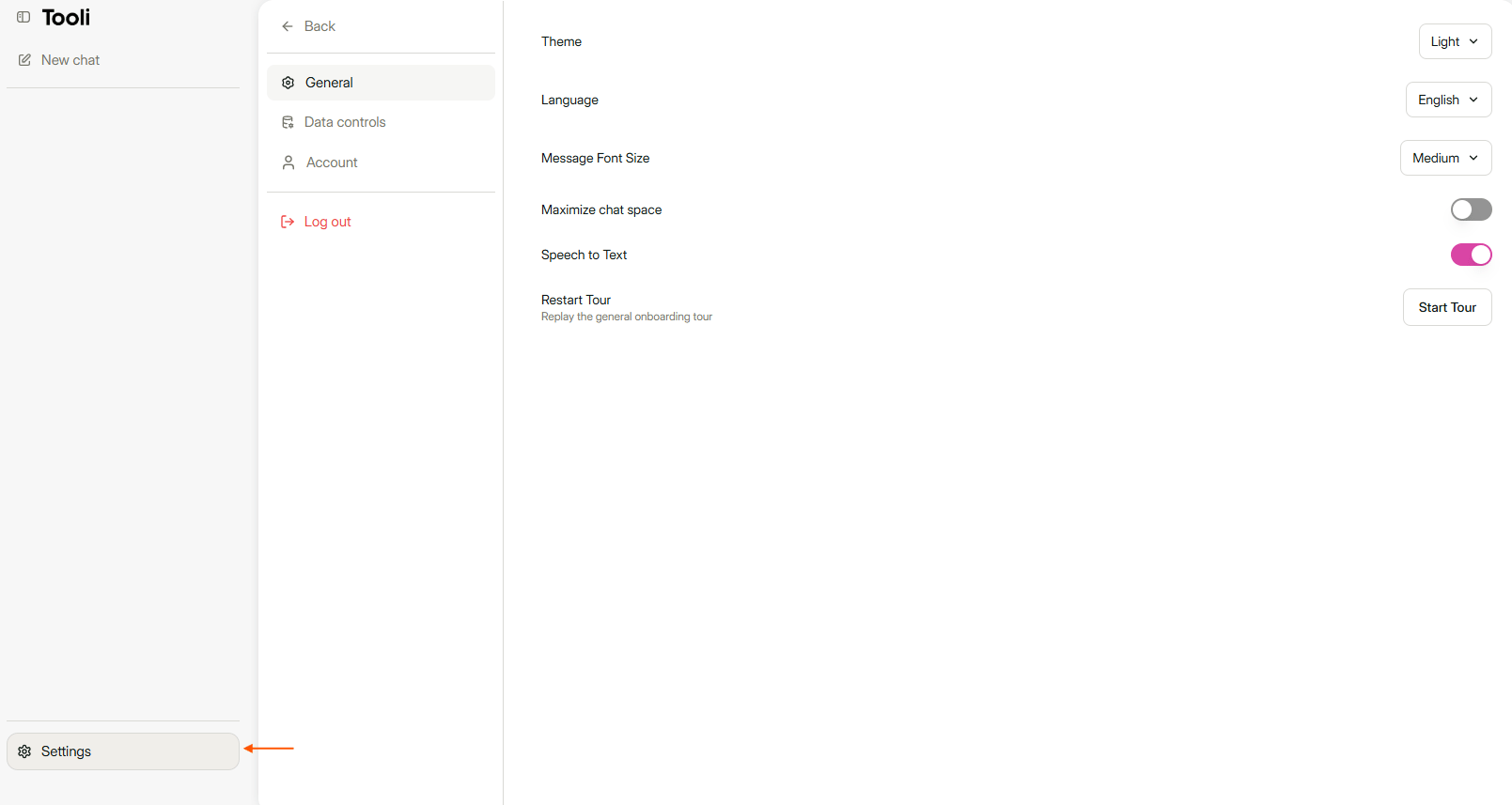
The General tab is in Settings, at the bottom left.
Language
Choose the language of Tooli from the list, for example Nederlands, Français, Deutsch or English. The buttons and menus in Tooli change language straight away. Tooli is currently available in nine languages: Dutch, French, German, English, Spanish, Italian, Polish, Portuguese and Brazilian Portuguese.Theme
Choose how Tooli looks:- Light: white background.
- Dark: dark background, easier on the eyes in the evening.
- System: follows the setting of your computer or phone automatically.